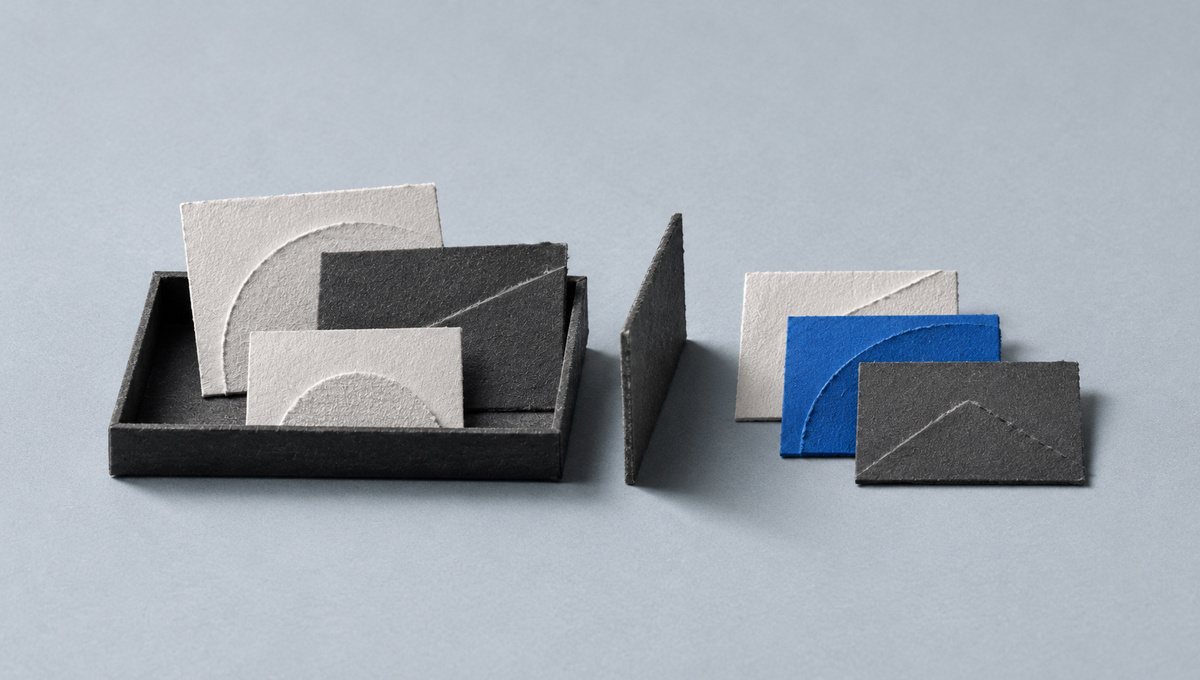
I designed Trove's bulk image saving around preserving completed work and making unfinished work visible. One Save action processes a selection in batches. Stop prevents further work once an active submission settles, while confirmed saves leave the selection. An uncertain result stays unresolved until it can be checked.
Trove is my personal project for collecting reference material. I wrote about why I wanted to keep the files themselves when I first introduced it. The browser picker is one way those files reach the collection.
On 16 October, I worked on that picker after it failed on usrnk1's gallery page. The page contained data for 385 images. It initially rendered 20.
That difference mattered before anyone pressed Save. A picker can look complete while showing only the images the page has loaded so far.
There was also an image identity problem. The gallery used URLs where a query parameter identified the original image. Removing every query parameter made different images look like the same candidate.
Cleaning up a URL had removed information the picker needed.
The repair had to distinguish separate images while recognising different sizes of the same image. It also needed to scan later gallery content, including content inside scrolling panels.
That scanning needed a limit. When it finished, or someone cancelled it, the page needed to return to its original scroll position. An image picker shouldn't leave someone searching for their place.
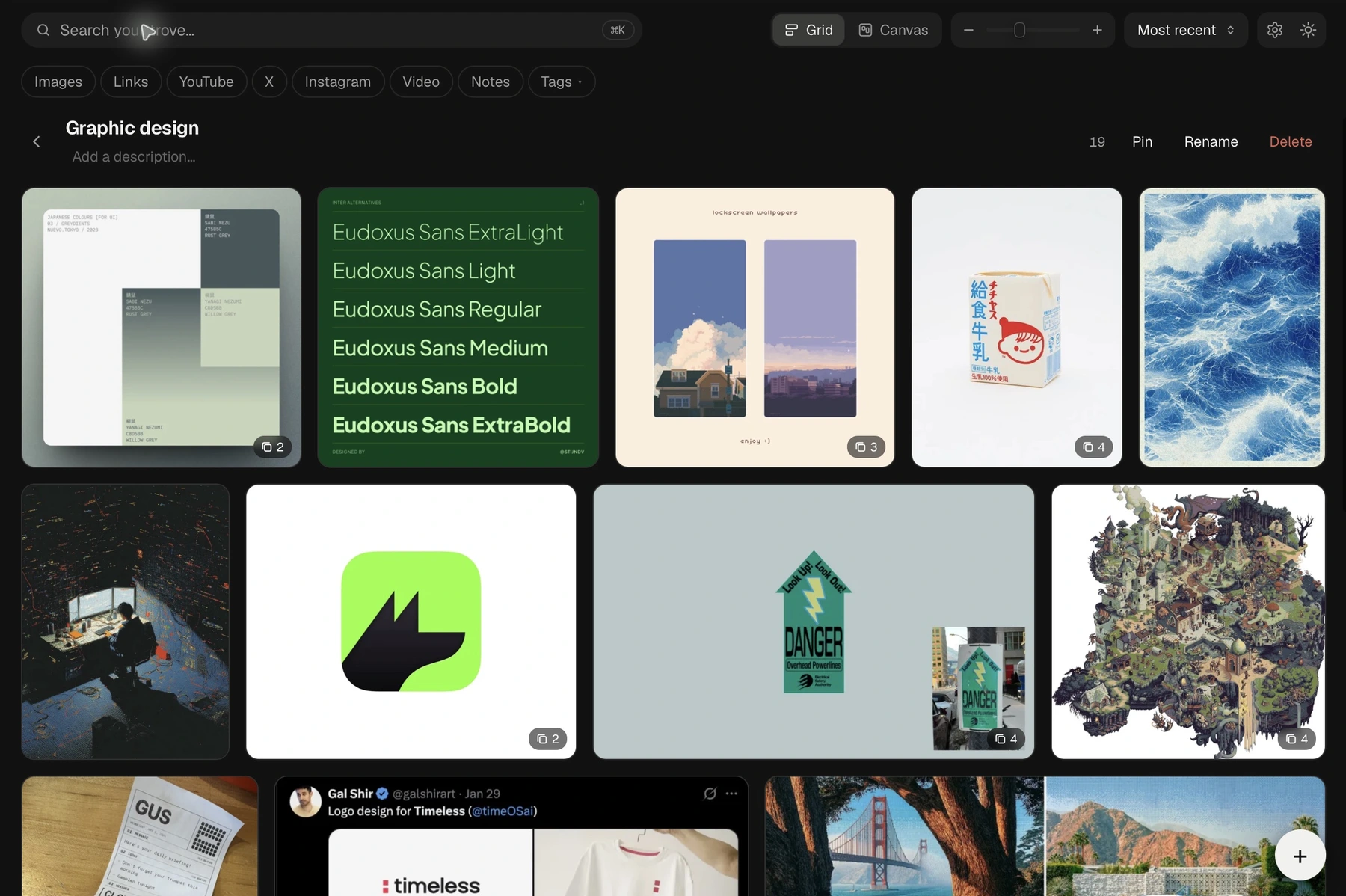
My graphic design collection in the installed Trove app, captured on 5 November. This shows the library, not the October bulk-save test.
Once discovery worked, the next question was how to save a large selection.
I chose one grouped Trove item for each batch of up to 40 images. A single Save action would process the selection in sequence, with smaller batches when large files required them.
Someone could make one selection without managing the transfer limits themselves. Then I had to decide what happened when they changed their mind halfway through.
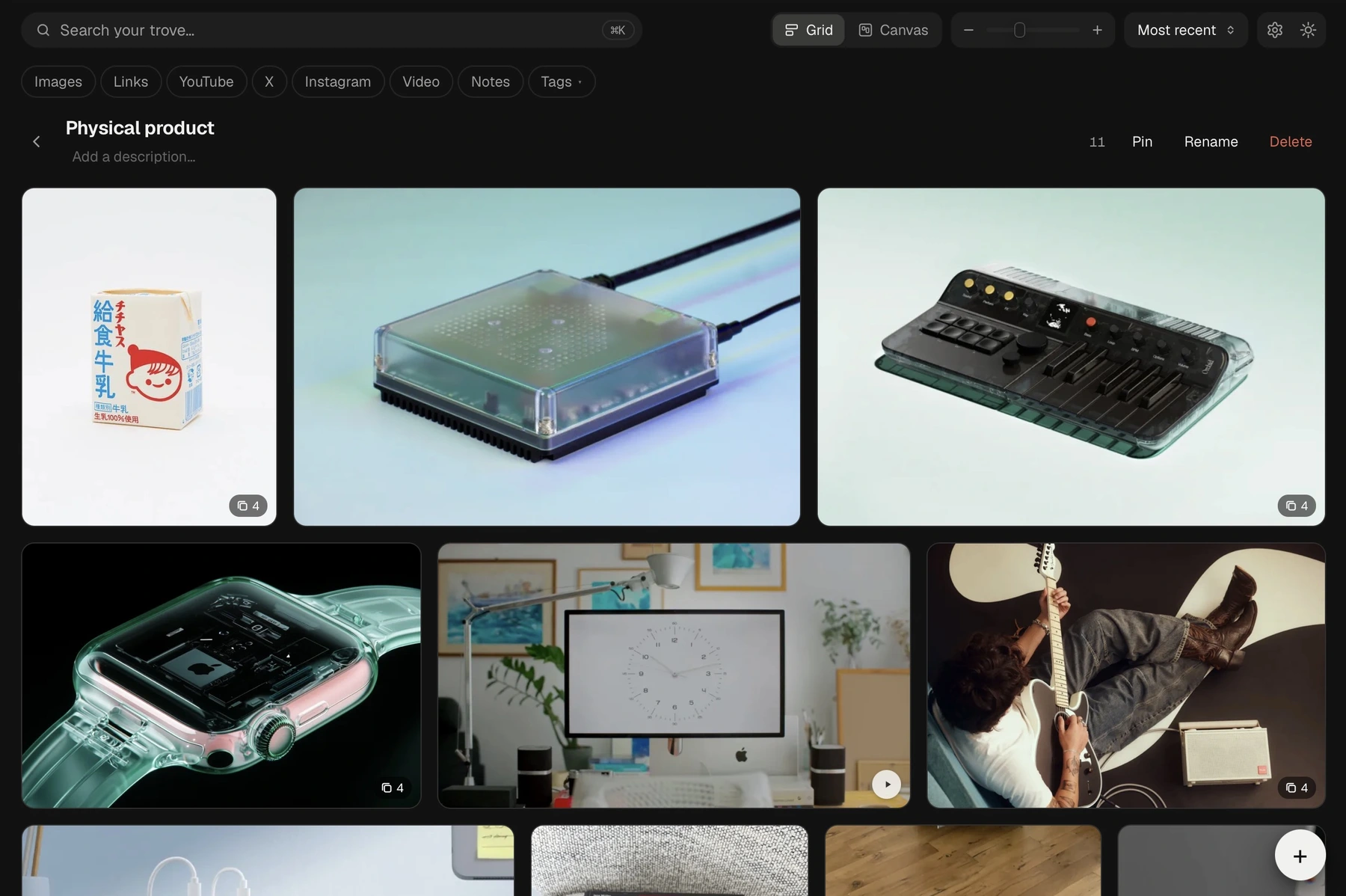
Another collection in Trove: physical products and objects I want to keep as references. Both captures show existing library content.
Suppose a selection contains 80 images. The first batch has finished, and the next batch is already on its way to the app when someone presses Stop.
The first 40 images still exist. Stopping the remaining work doesn't undo them.
Closing the picker would hide that distinction. Leaving everything selected would make confirmed saves look unfinished. The behaviour needed to follow the actual state of the work.
If the browser was still reading an image, Stop could abort that read. If a batch had already been submitted, the picker would wait for its result before stopping further work.
Confirmed images would leave the selection. Skipped images and images that hadn't been submitted would remain selected. The remaining selection would show work that still needed attention.
I also kept the results visible, with reasons for skipped images. Nielsen Norman Group's guidance on system status describes the broader principle. Here, the detail was keeping enough information for someone to decide what to do next.
The awkward case was an uncertain save.
If the app received a batch but the picker didn't receive a clear answer, automatically sending it again could repeat work that had already happened. A missing confirmation doesn't establish that the save failed.
For that case, the rule was to avoid automatic retries.
I prefer an unresolved result that tells the truth over a confident interface that guesses. I made a related decision in Journey Mapper: a field without evidence should remain visibly unresolved.
The local checks covered cancellation during image reads and active batches, along with partial failures and malformed replies. The frontend and extension suite passed 194 tests.
The live browser checks were narrower. They confirmed that the repaired popup opened and connected to Trove. The full gallery scan and actual bulk save still needed a complete live check when that session ended.
The later collection screenshots don't fill that gap. Verifying the saved counts and grouping belongs to the check of the import itself.
I can describe the implemented behaviour and the checks behind it. The Stop button has to be equally precise.
Stop should leave me knowing what happened.